
LazyBar Casino Login — Account Access for Canadian Players
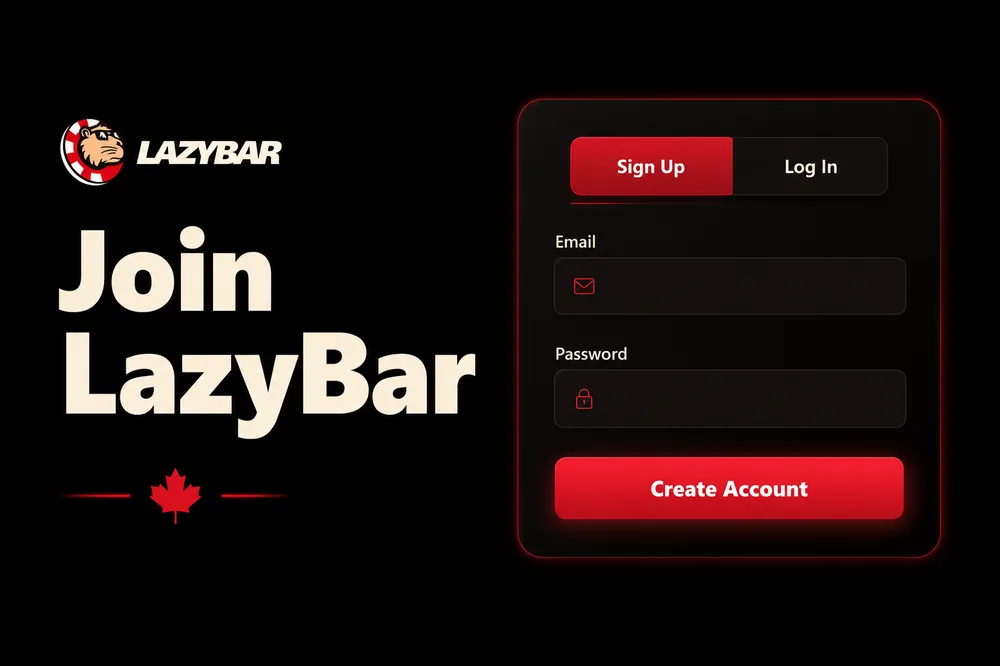
Logging into LazyBar is the boring part — and that's a compliment. In a real-money account you want the sign-in fast, predictable and secure, with nothing clever getting between you and your balance. During my testing the login held up: email and password, straight into the lobby, session remembered on the device I trusted. But "boring when it works" isn't the whole story. Passwords get forgotten, browsers cache stale pages, two-factor prompts appear at awkward moments, and phishing sites imitate casino logins constantly. This page is the practical guide: how to sign in, how to fix every access problem I could reproduce, how to lock your account down, and how mobile login works when there's no app-store app to install.
Credentials ready and just want back in? The button takes you straight to the login screen.
How to log in to LazyBar
The standard sign-in is three actions. Nothing here should surprise you, but doing it deliberately avoids the two most common self-inflicted lockouts (wrong email, caps-lock password).
- Open the login panel. Tap Login — top-right on desktop, inside the hamburger menu on mobile. The sign-in form slides in over the lobby.
- Enter your email and password. Use the exact email you registered with — it's your username — and the password you set at sign-up. Watch for caps lock and for autofill quietly inserting an old password from another site.
- Submit and land in the lobby. Hit Login. On a device you own, you can let the session persist so you're not re-entering credentials every visit. Once you're in, your balance, bonuses and cashier are one tap away.
That's the entire happy path. If it doesn't go this smoothly, the next section covers every failure mode I could reproduce. For the full brand overview — operator, licence, how we tested the whole player journey — start from the LazyBar Casino homepage.
Login troubleshooting
Nearly every "I can't log in" case comes down to one of five things. Work through them in order and you'll almost always be back in within a couple of minutes — without creating a duplicate account, which is the one mistake that genuinely causes headaches later at KYC.
Forgot your password (reset it)
This is the most common one. On the login panel, click Forgot password?, enter the email tied to your account, and submit. A reset link lands in your inbox — open it, choose a new strong password, and sign in with it. Notes that save you a second round-trip:
- Check your spam/junk folder — casino system emails are frequently filtered.
- The reset link is time-limited. If it's expired by the time you click, request a fresh one.
- Use the email address you actually registered with. If you're not sure which one, that's usually the real problem — see the next item.
Wrong email / "account not found"
If reset says it can't find your account, you're likely using a different email than the one you registered with. Try the alternates you own before assuming anything's broken. Do not register a second account to get around it — duplicate accounts get flagged during verification and can freeze both, tangling up any funds. If you're stuck, contact support with the details you do have and let them locate the account.
Right credentials but login still fails
When the email and password are definitely correct and it still won't let you in, it's almost always the browser, not the account:
- Clear your cache and cookies for the site, then reload. Stale cached files are the top cause of a login page that spins or silently rejects a valid password.
- Disable ad-blockers and privacy extensions for the page — some block the scripts the login form needs to submit.
- Try a different browser or an incognito/private window. If it works there, the culprit is an extension or corrupted cache in your main browser.
- Turn off any VPN. A VPN can drop you into a region LazyBar doesn't serve, and geo-checks may block the session.
Page won't load at all
If the site itself won't open, check your internet connection first, then try a different network (switch mobile data for Wi-Fi or vice versa). Corporate or public Wi-Fi sometimes blocks gambling domains at the network level. And always confirm you're on the correct URL — bookmark the real site so you never land on a look-alike (more on that under security below).
Account locked or restricted
Repeated wrong-password attempts can temporarily lock an account as a security measure — wait it out or reset the password. If your account is restricted for a verification or responsible-gambling reason, that's not a bug to work around; contact support, complete any requested KYC, and they'll walk you through reinstatement.
Autofill entered the wrong password
Browser autofill is a quiet troublemaker. If you've saved passwords for several casinos, autofill can drop the wrong one into the field, or paste an old password you changed months ago. Clear the field completely, type the password by hand once to confirm it works, then update your saved entry. If your password manager has multiple entries for the site, delete the stale ones so it stops guessing.
Two-factor code isn't arriving or won't accept
If you use 2FA and the code fails, the usual causes are a clock out of sync (authenticator-app codes are time-based — make sure your phone's clock is set to automatic) or a delayed SMS. Wait for a fresh code rather than reusing an expired one, and if codes simply never arrive, contact support before you get locked out — don't keep hammering the login. Never read a 2FA code out to anyone claiming to be support.
Security and safe login (including 2FA)
This is a real-money account, so treat login security the way you treat online banking. A few habits keep your balance and your identity yours.
- Use a strong, unique password. Never reuse the password from your email or another casino. If one site leaks, credential-stuffing bots try that combination everywhere — a unique password contains the blast radius. A password manager makes this effortless.
- Enable two-factor authentication (2FA) if offered. Where LazyBar supports it, 2FA adds a second step — a code from an authenticator app or sent to you — so a stolen password alone isn't enough to get in. It's the single biggest upgrade to account safety. Turn it on in your account/security settings.
- Never share credentials or one-time codes. Legitimate support will never ask for your password or a 2FA code. Anyone who does is phishing.
- Beware look-alike login pages. Phishing sites clone casino logins to harvest passwords. Type the address yourself or use a saved bookmark; don't sign in via links from unsolicited emails or messages. Check for HTTPS (the padlock) before entering anything.
- Log out on shared or public devices. Convenient session persistence is fine on your own phone. On anything you don't control, sign out fully when you're done.
- Keep your registered email secure. Whoever controls your inbox controls your password resets. Lock the email down with its own strong password and 2FA.
LazyBar runs under a Curaçao framework operated by Tendersoft B.V., with SSL encryption on the connection. That protects data in transit, but the account itself is only as strong as your password hygiene — so the list above is on you, and it's the part that actually stops most account takeovers.
Logging in on mobile (PWA)
There's no native App Store or Google Play app for LazyBar — and you don't need one. The site is a mobile-optimized progressive web app (PWA), which means you log in through your phone's browser and, if you want an app-like feel, add it to your home screen. Login itself is identical to desktop: tap Login in the menu, enter email and password, done.
Add LazyBar to your home screen
- iPhone (Safari): open the site, tap the Share icon, choose Add to Home Screen. An icon appears like any app; tapping it opens LazyBar full-screen, and your login can persist between visits.
- Android (Chrome): open the site, tap the three-dot menu, choose Add to Home Screen (or accept the "Install" prompt). Same result — a home-screen icon that launches straight into the lobby login.
The whole cashier, live tables, slots and sportsbook work through this mobile web experience, so there's genuinely nothing you lose by skipping a downloaded app. For the full rundown of web-app versus native, home-screen setup and what performs best on mobile, see our guide to the LazyBar app.
No account yet?
Landed here without an account? There's nothing to log into yet — you need to register first, and it takes under two minutes. The form asks only for an email, a password, your currency (CAD) and an age confirmation; identity verification comes later, before your first withdrawal. Our step-by-step guide walks you through it and explains how the welcome bonus attaches to your first deposit: read how to sign up at LazyBar, then come back here to log in.
Your account and responsible play
Logging in is also where you take control of how you play. Once you're inside, the account and cashier settings let you put guardrails in place before a session starts — which is far more effective than relying on willpower mid-spin.
- Deposit limits — cap how much you can add per day, week or month.
- Loss and session limits — set a ceiling on losses or on how long a single session runs.
- Cool-off periods — take a short, defined break where you can't deposit or play.
- Self-exclusion — lock yourself out for an extended period if you need to.
Set these when you're calm, not when you're chasing. LazyBar is strictly 19+ (18+ in AB/MB/QC), and gambling should always be entertainment you can afford to lose. If it stops feeling that way, free confidential help is available in Canada: the Responsible Gambling Council (rgc.ca), GameSense, and your provincial helpline (BC 1-888-795-6111, Alberta 1-866-332-2322, Quebec 1-800-461-0140). There's no shame in using the limit tools — the players who last are the ones who set them. For the full toolkit and how to configure each limit, see our responsible-gambling guide.
Frequently asked questions
How do I log in to LazyBar Casino?
Tap Login (top-right on desktop, in the menu on mobile), enter the email and password you registered with, and submit. You'll land in the lobby with your balance and cashier one tap away. On your own device you can let the session persist so you don't re-enter credentials every visit.
I forgot my password — how do I reset it?
On the login panel, click Forgot password?, enter your registered email, and submit. A time-limited reset link is emailed to you — check spam if it doesn't arrive. Open it, set a new strong password, and sign in. If the link has expired, request a fresh one.
Why won't my correct password work?
When credentials are definitely right but login fails, it's almost always the browser. Clear your cache and cookies, disable ad-blockers and privacy extensions for the page, try a different browser or an incognito window, and turn off any VPN. If it works in incognito, an extension or stale cache in your main browser was the cause.
Does LazyBar have two-factor authentication?
Where supported, enable 2FA in your account/security settings. It adds a second step — a code from an authenticator app or sent to you — so a stolen password alone can't get in. Combined with a strong, unique password, it's the single biggest upgrade to your account's safety. Never share a 2FA code; legitimate support will never ask for one.
How do I log in on my phone — is there an app?
There's no App Store or Google Play app; LazyBar is a mobile web app (PWA). Log in through your phone's browser exactly as on desktop. For an app-like icon, add the site to your home screen — Share → Add to Home Screen on iPhone/Safari, or the three-dot menu → Add to Home Screen on Android/Chrome. The full cashier, live casino, slots and sportsbook all work this way.
I can't find my account when I try to log in — what now?
You're most likely using a different email than the one you registered with — try the other addresses you own. Do not create a second account to get around it, as duplicates get flagged at verification and can freeze both. If you're still locked out, contact support with the details you have and let them locate your account.
Credentials in hand? Head straight to the login screen.
19+ · Play responsibly · Canada excluding Ontario · LazyBar-casinos.ca is an independent affiliate, not the operator.